Background
Within this article it will provide a brief walkthrough of the GetHelpOC platform for all new users.
Logging into GetHelpOC for the First Time
Once a user has been onboarded, the user will receive a welcome email that will list their username and a link to the GetHelpOC website.
Note: We recommend that our agency partners reach out to their IT team to whitelist the email. [email protected]
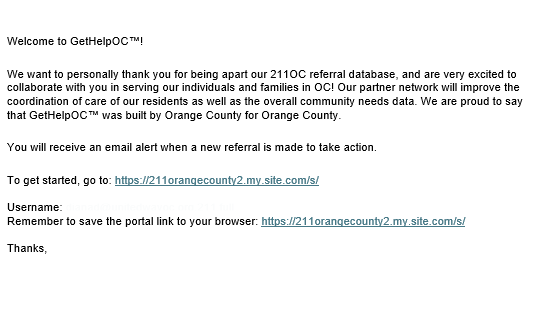
When logging into the platform for the first time, you will need to navigate to the GetHelpOC website. On the GetHelpOC website, click on Network Partner Login. This will navigate you to our Partner Login portal.

In the following window, it will populate the following window. Click on Login.
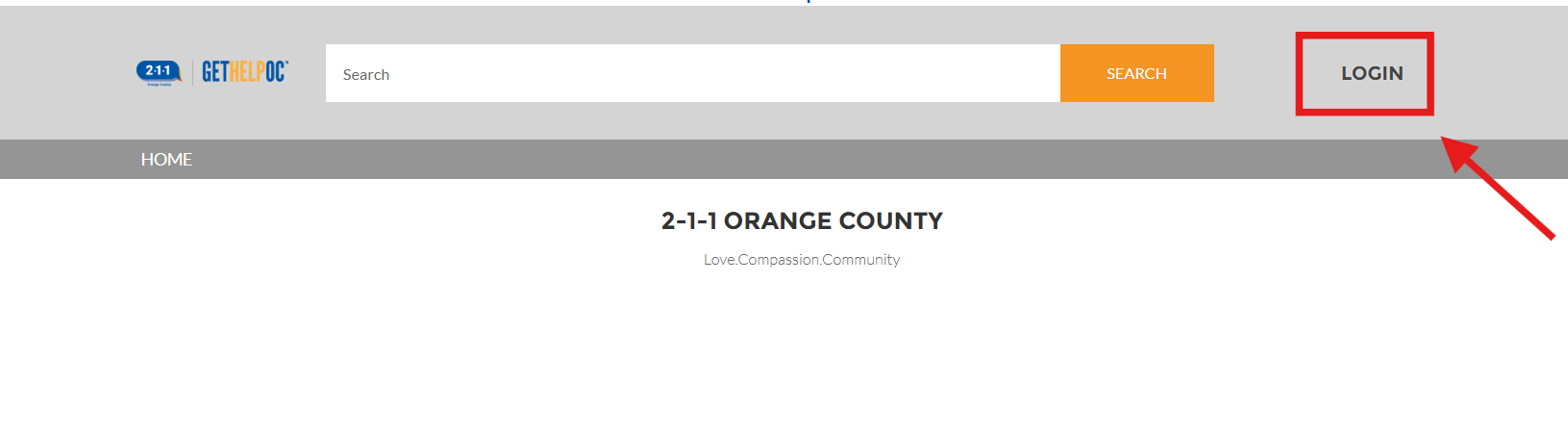
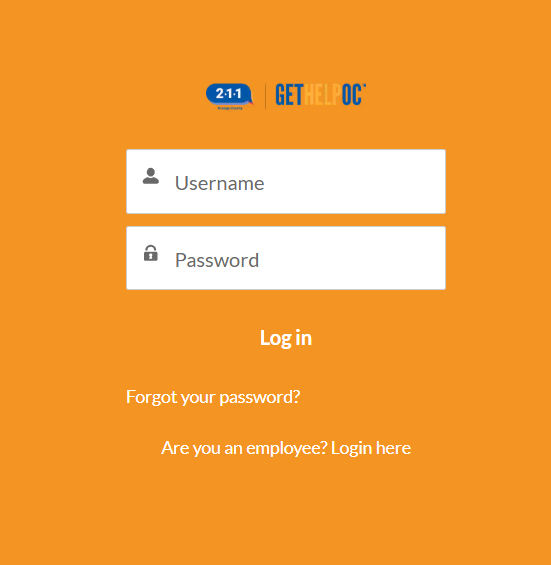
This will navigate you to the main page of the portal. Proceed to enter your username and password. Once inputted click Log in.
On the next following window, the Home Page of the user account will appear where all the functionalities of the site will be displayed.
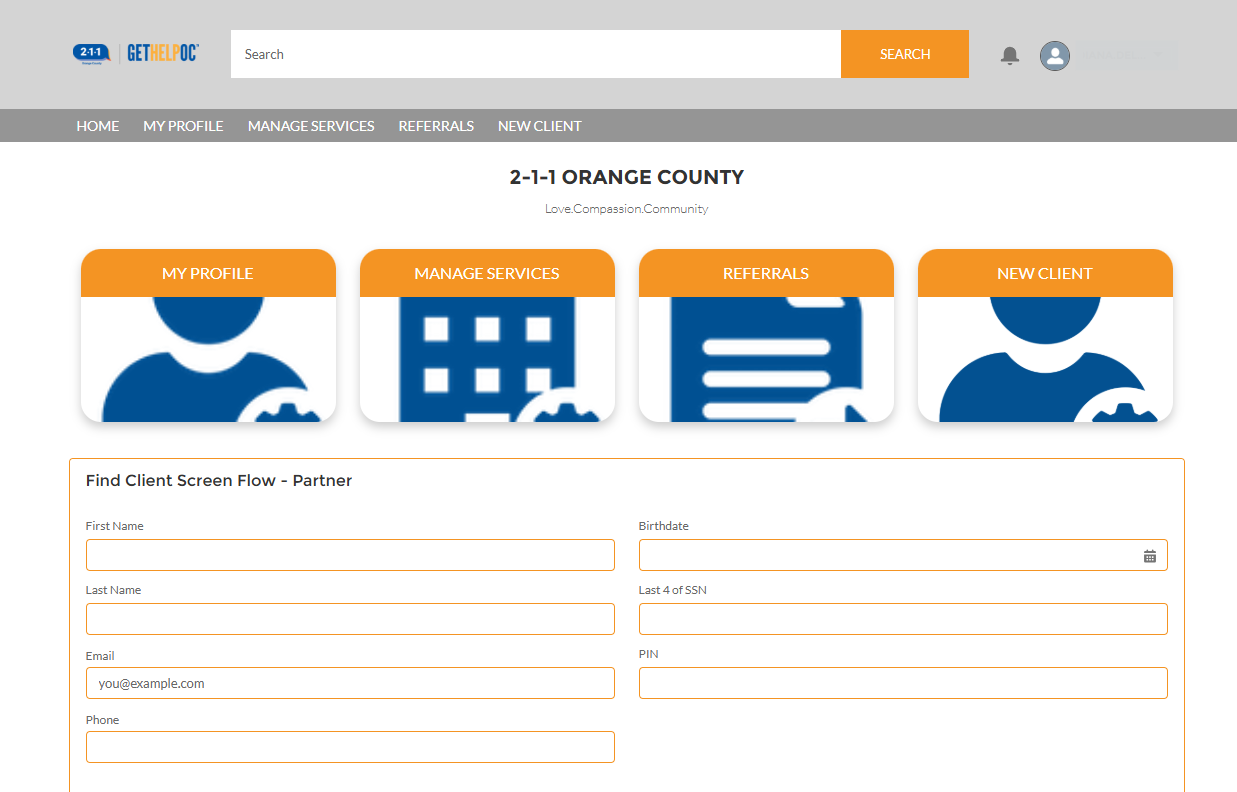
To further understand the GetHelpOC site, please reference the GetHelpOC Functionality Section within the Knowledge Base Library. The knowledge base articles within this section will highlight common topics to help users navigate the portal.